Notifications
Choosing which emails the club sends you, from Settings to a switch that saves as you press it.
The club emails you when something happens to your bookings. Choosing which emails reach you takes about a minute.
Before you start
- Notifications are emails. INDEX Club has no in-app notification feed. Every switch here controls an email.
Choosing your emails
Open Notifications
Open Settings from the sidebar and press the Notifications tab. Each kind of email has its own switch, with a line saying when it is sent. Every switch starts on.
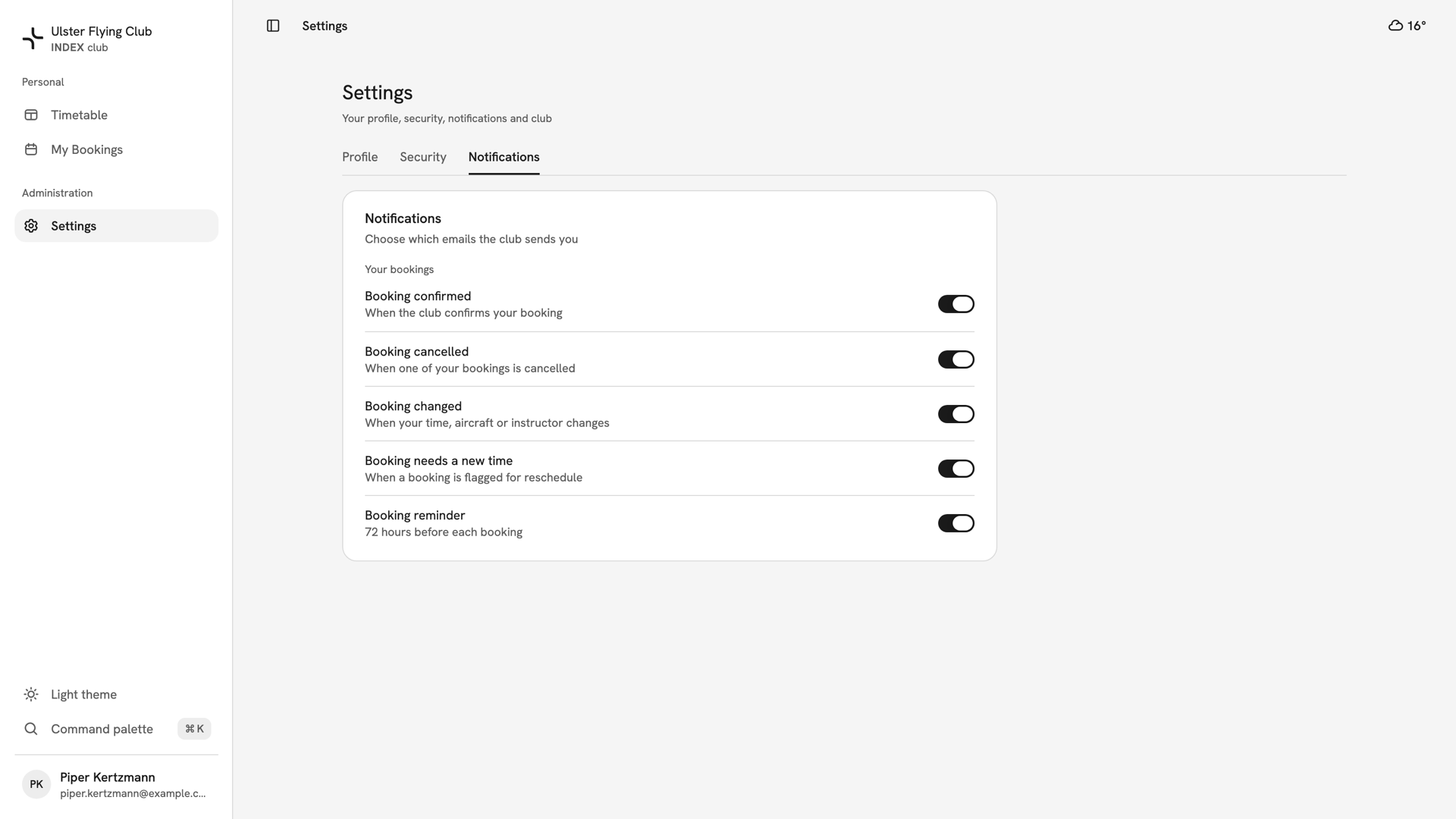
The Notifications tab for Piper Kertzmann: five emails under Your bookings, all switched on. Turn off what you do not want
Press a switch to turn that email off. It saves as you press it, with nothing else to confirm. If the save fails, the switch flips back and Couldn't update notifications appears.
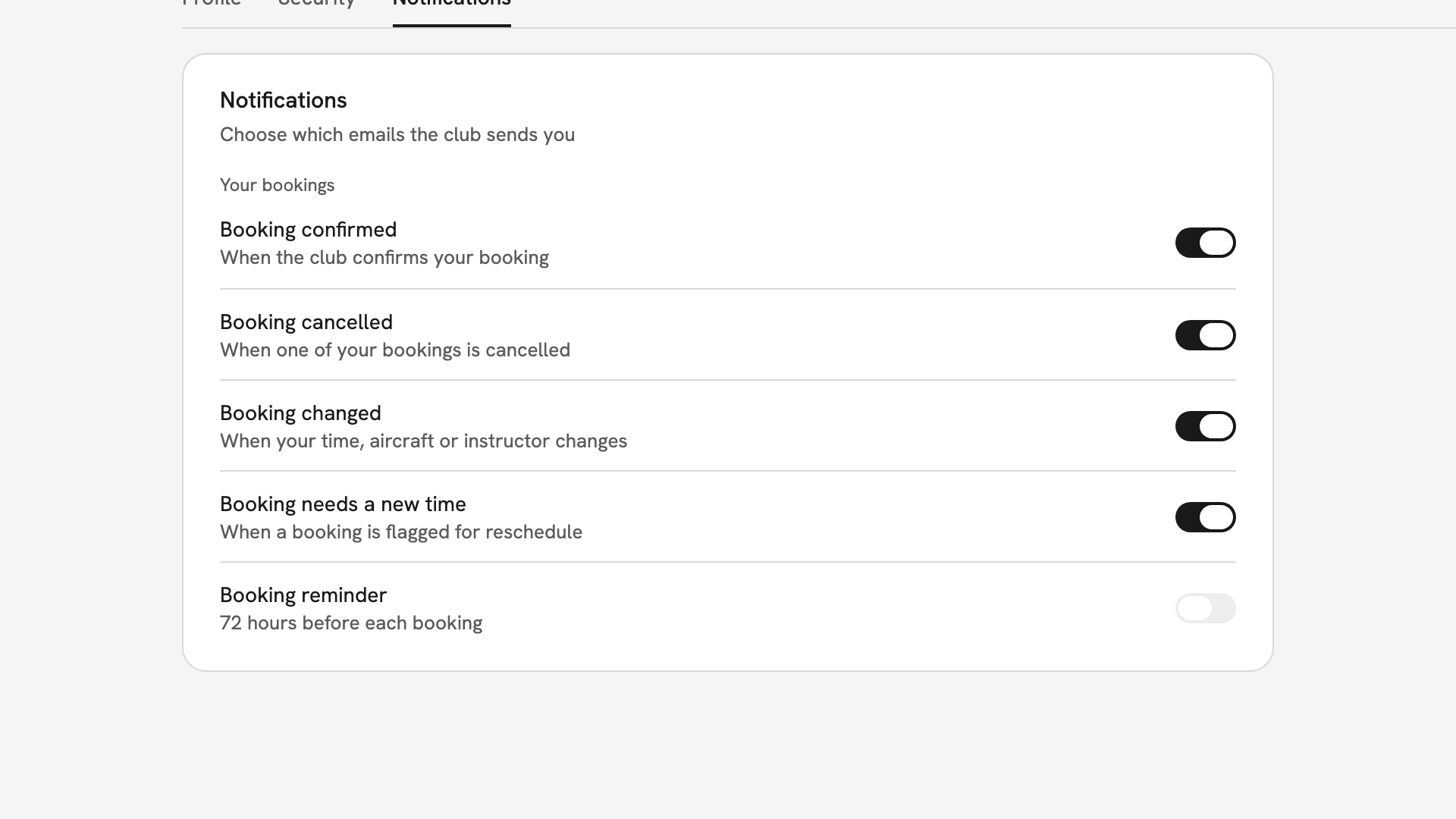
Booking reminder switched off, under four booking emails that are still on.
After you have chosen
Your choices apply straight away, and nobody at the club can change them for you. Each email also has an Unsubscribe link that turns off that one kind of email; to turn it back on, use its switch here. Sign-in and invitation emails always arrive.
If something goes wrong
- An email you turned off still arrives. Check which switch covers it. Booking cancelled also covers weather cancellations, and Booking needs a new time covers club closures.
- A switch flips back. The save failed, usually because the connection dropped. Press it again.
- You expected a reminder and none came. Check Booking reminder is on. It is sent 72 hours before each booking.
Still stuck? Notification choices are yours alone: nobody at the club can see or change them.
Last updated 1 October 2026