Finding your way around
The sidebar, search and account menu: what is on screen, and how much your role reaches.
Every page sits in the same frame: a sidebar on the left and the page beside it. The sidebar shows only what your role can use.
Before you start
- Sign in first. See Signing in.
The sidebar
INDEX Club opens on the Timetable; there is no dashboard. The sidebar groups pages under Personal, Workspace and Administration. A page your role cannot use is not greyed out. It is absent, and an empty group disappears.
The top bar holds the sidebar toggle, ⌘B, the breadcrumbs and the weather at your airfield.
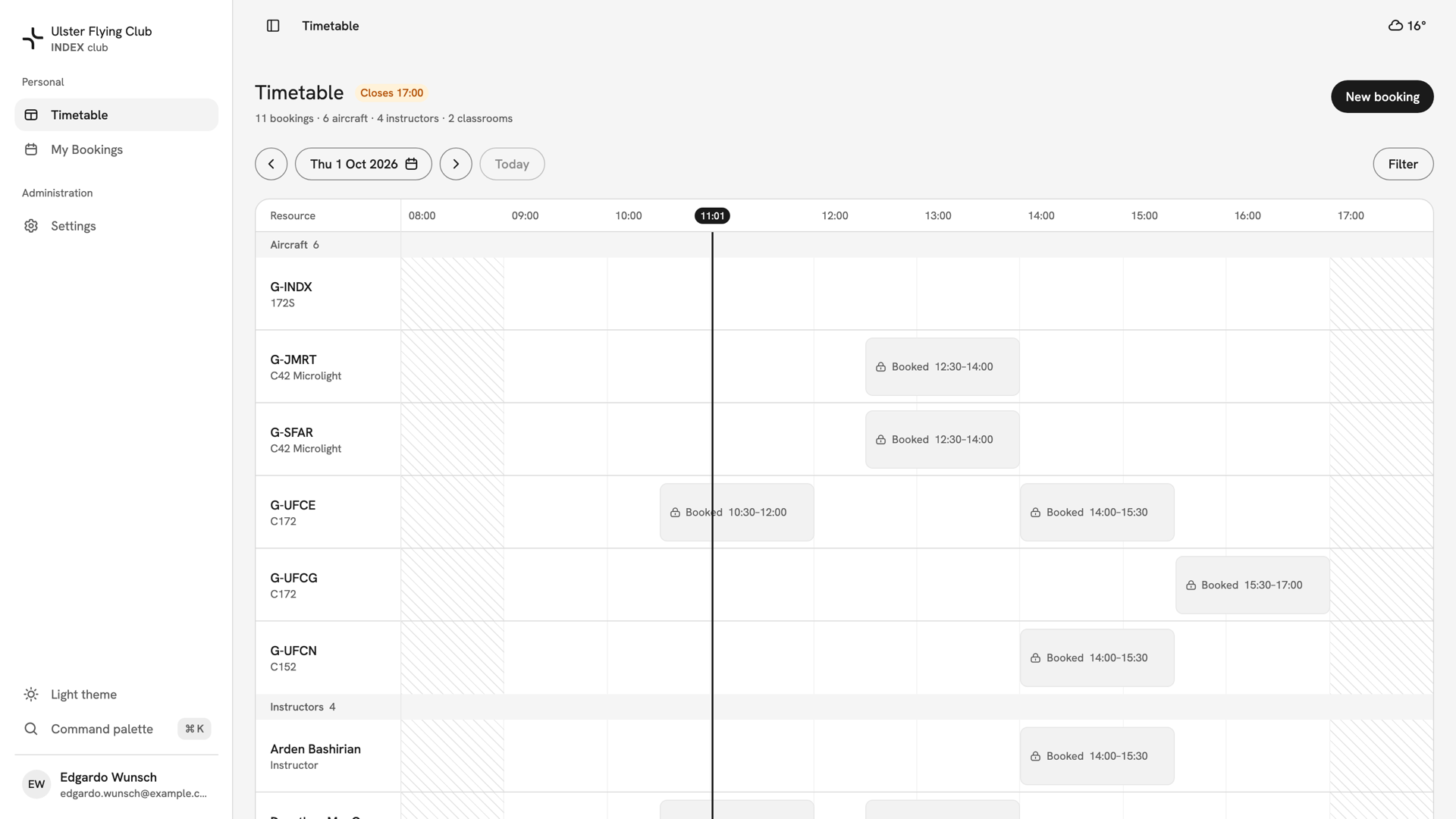
- Students and instructors see Timetable, My Bookings and Settings.
- Admins and Instructor & Admins add Aircraft, Instructors, Classrooms, All Bookings and Users under Workspace, and Announcements, Closures and Audit Logs under Administration.
- Owners see everything.
Search and shortcuts
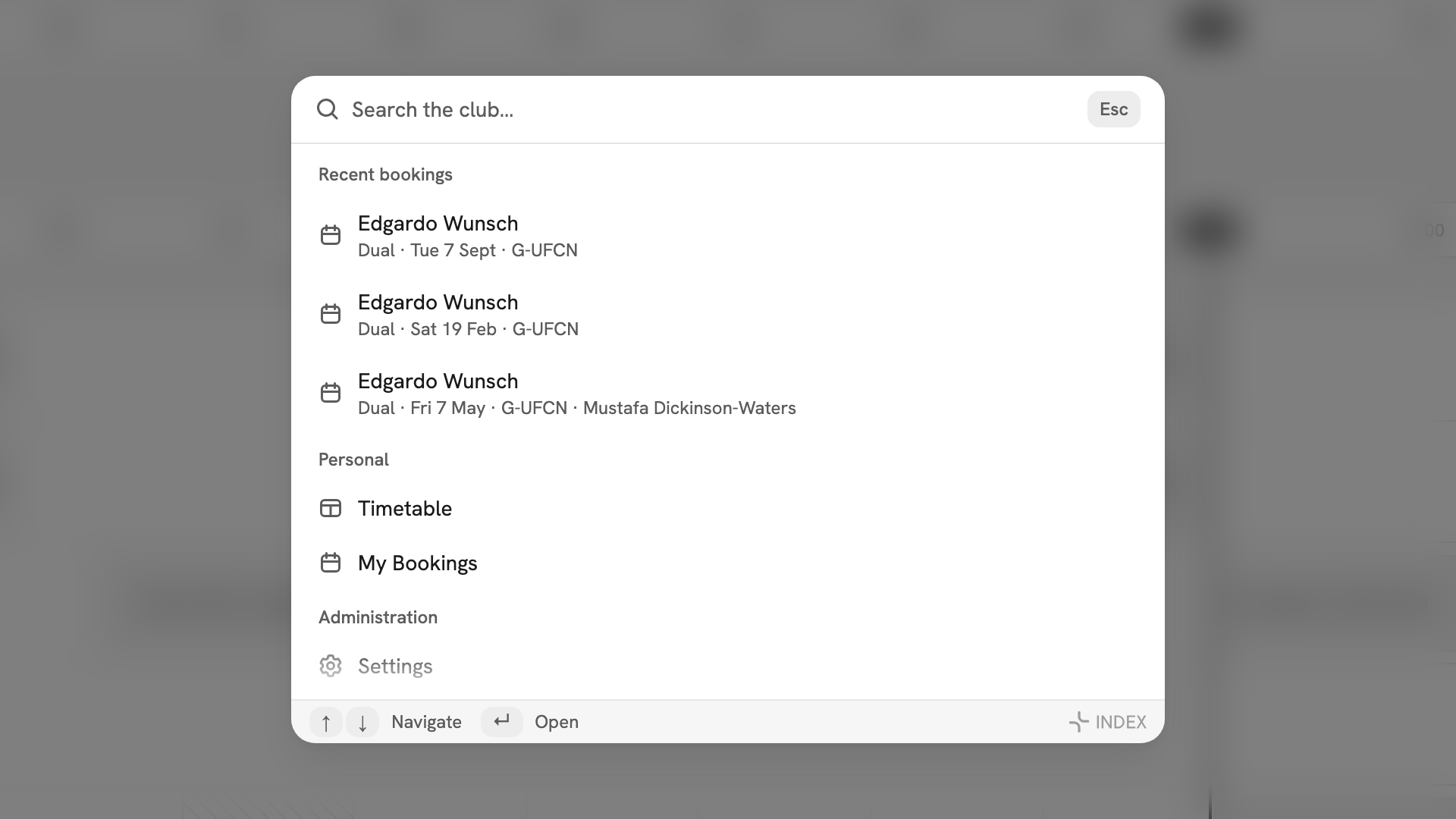
Press Command palette at the foot of the sidebar, or ⌘K. On a phone the row is called Search. An empty box offers your Recent bookings, the pages you can open, and actions such as the theme and Sign out.
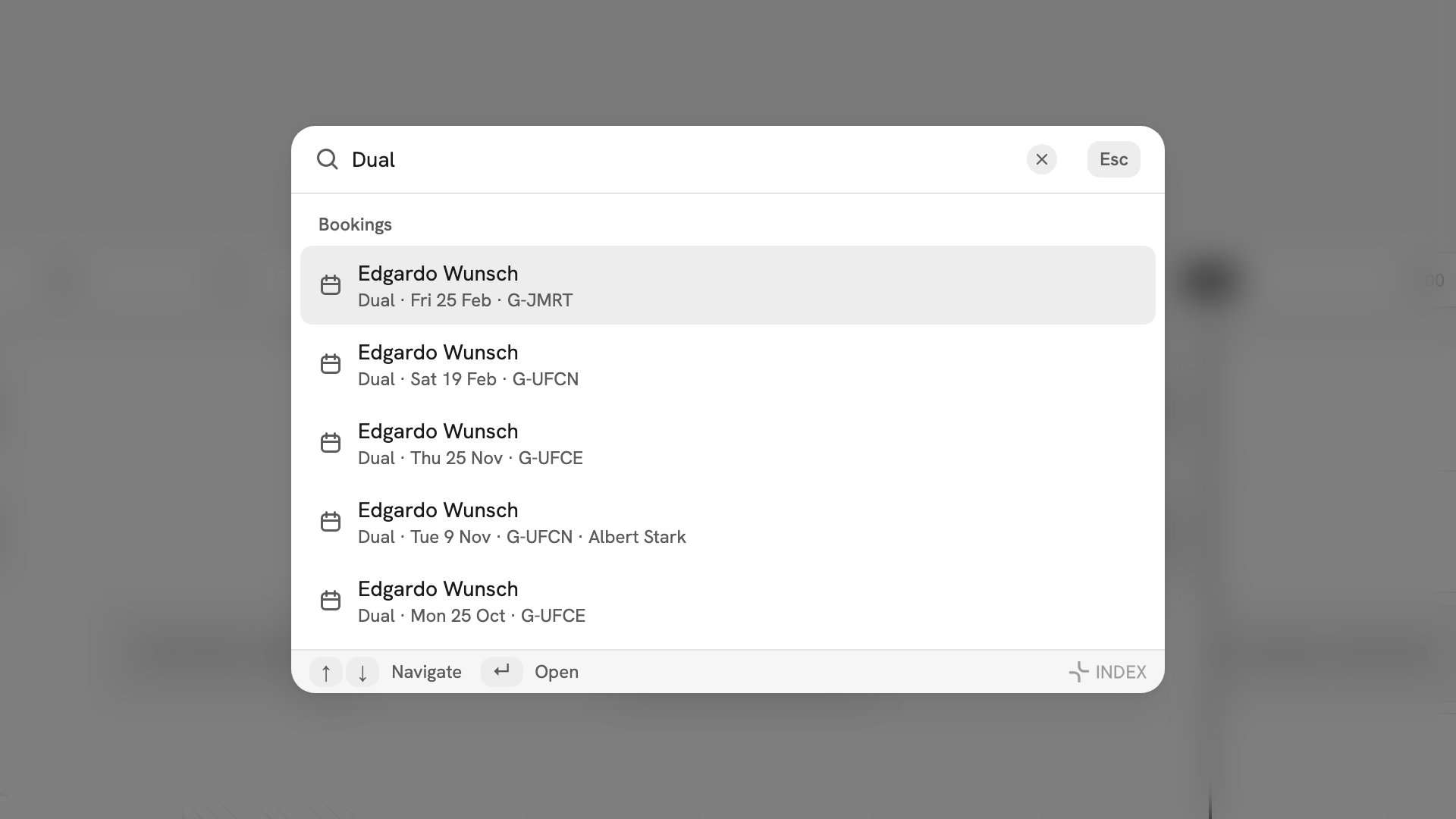
Type to search pages and the records your role can see. A student finds their own bookings; admins also find members, aircraft and everyone's bookings.
Your account and the theme
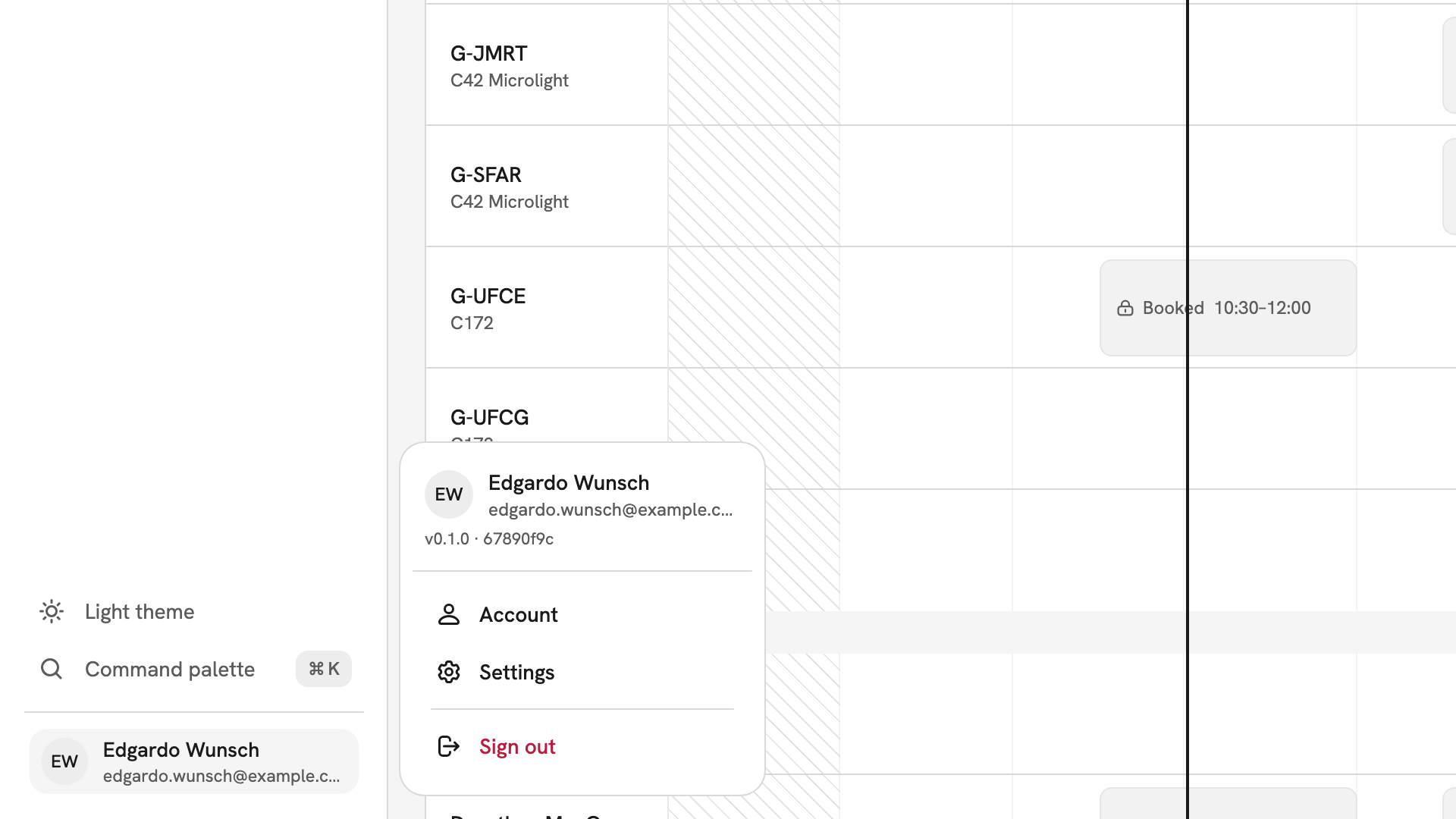
Light theme above the palette row switches between light and dark. Press your name at the bottom of the sidebar for Account, Settings and Sign out. Settings has tabs for your Profile, Security and Notifications.
After you have found your way
Start with Reading the timetable, then Creating a booking and Your own bookings.
If something goes wrong
- A page a colleague uses is not in your sidebar. Your role does not include it. An admin sets roles.
- There is no bell for notifications. INDEX Club sends them by email. Choose which ones in Notifications.
- The sidebar has shrunk to icons. It is collapsed. Press ⌘B or the toggle at the left of the top bar.
- Search finds nothing. It only finds what your role can see. A student cannot search other members or the fleet.
Still stuck? An admin can see every page in the club and tell you which role you hold.
Last updated 1 October 2026