Appearance
Switching INDEX Club between light, dark and your device's setting, from the sidebar or the command palette.
INDEX Club comes in light and dark, or can follow your device. Changing it takes a few seconds.
Before you start
- The browser you want to change. The theme is saved in this browser only, so set it on each device you use.
Changing the theme
Swap light and dark
At the foot of the sidebar, above your name, the theme row names the theme in use: Light theme or Dark theme. Press it to swap. The change is immediate, with nothing to save.
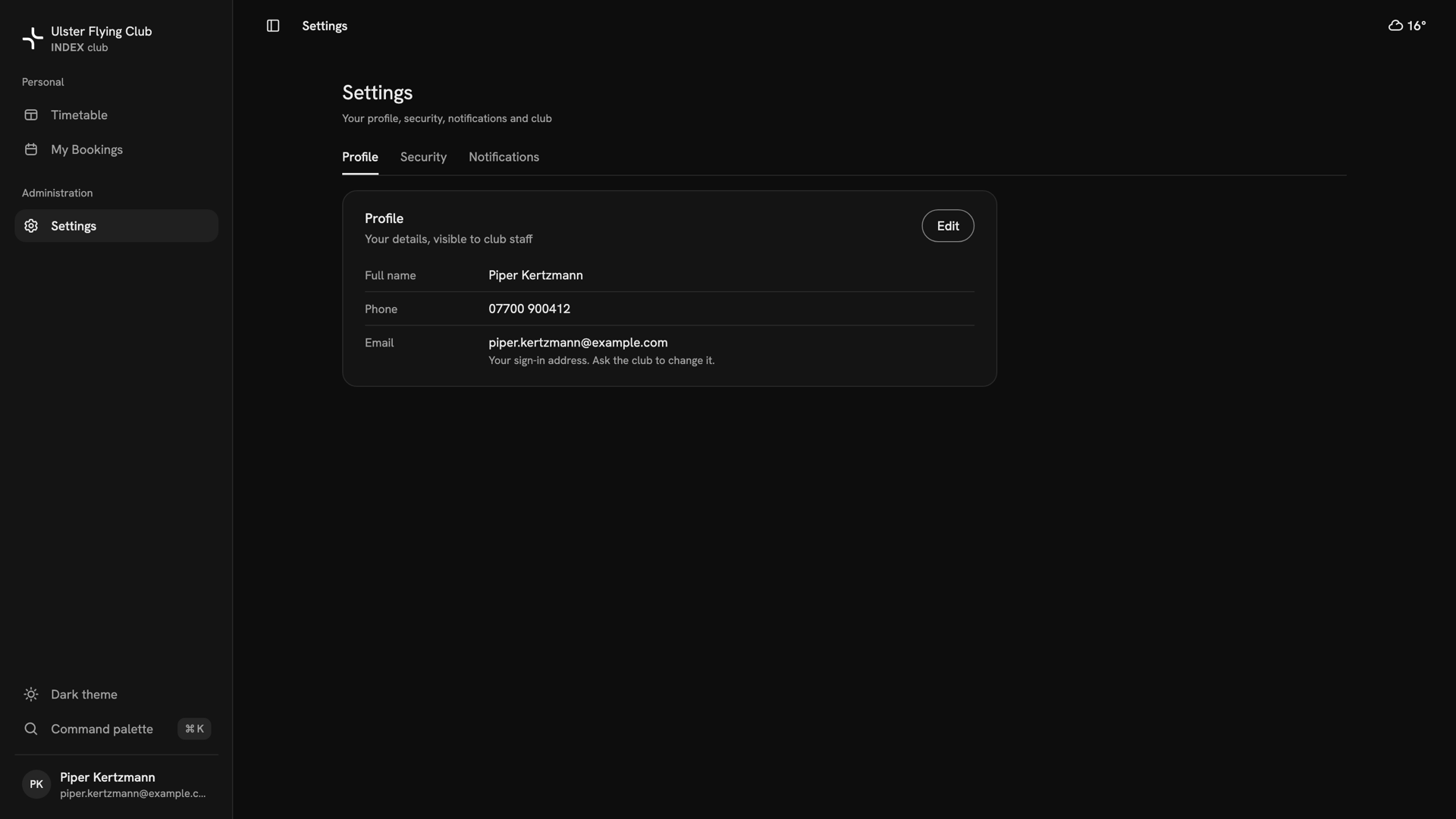
Piper Kertzmann's Settings in dark, with the sidebar row now reading Dark theme. Follow your device instead
Open the command palette with ⌘K, or Search on a phone, and type "theme". Choose Theme: Light, Theme: Dark or Theme: System. System turns dark when the rest of your screen does.
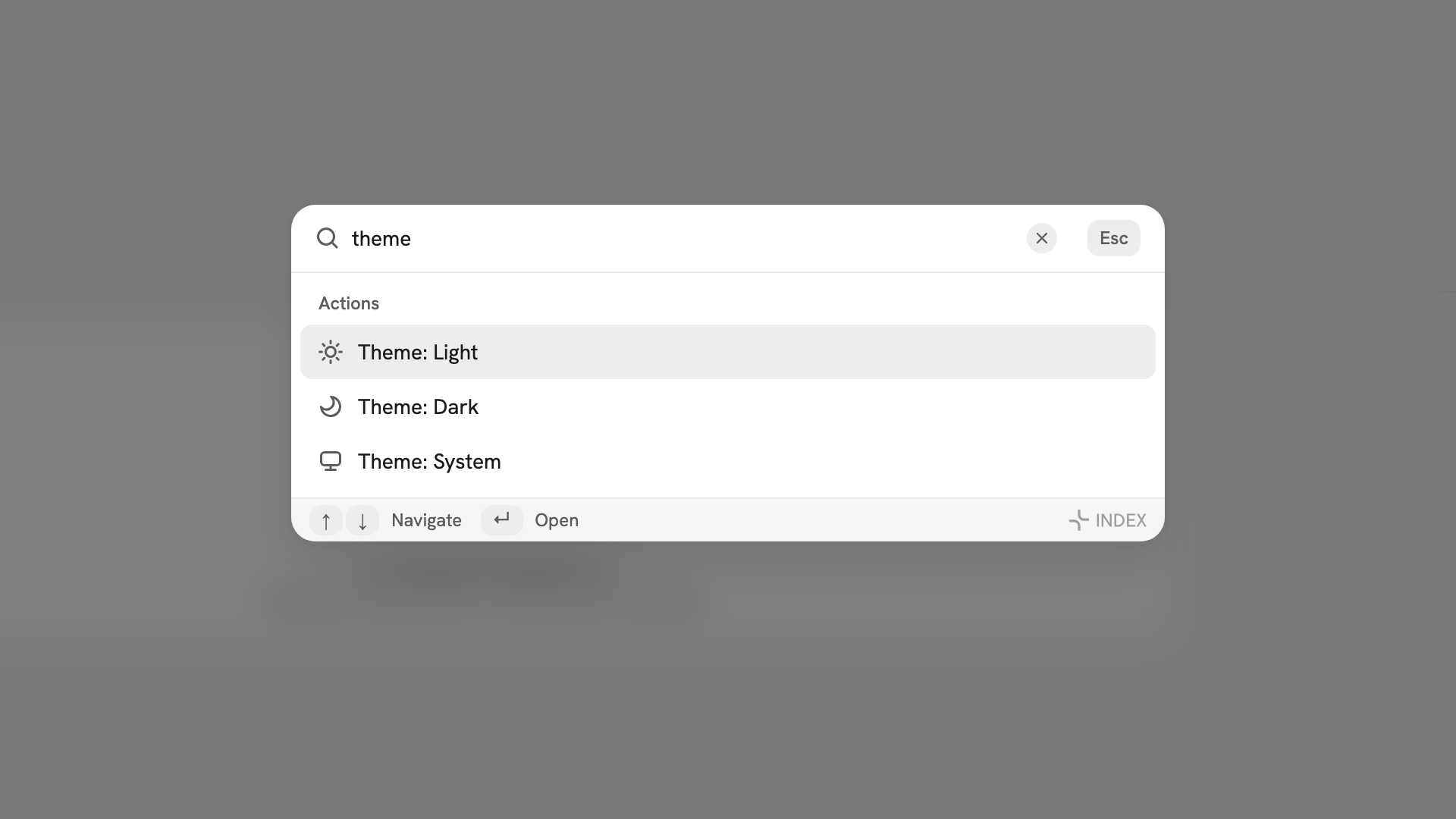
The command palette with theme typed, offering Theme: Light, Theme: Dark and Theme: System.
After you have changed it
The theme applies in this browser only, so another computer or a private window starts in light. Theme is the only appearance setting.
If something goes wrong
- The theme did not follow you to another computer. It is saved per browser. Set it again there.
- The sidebar row will not return to System. It only swaps light and dark. Use Theme: System in the command palette.
- System changed nothing. Your device is set to light. Change it in your device's own settings.
- It reset to light. You are in a private window, or the browser cleared its site data. Choose it again.
Still stuck? Nobody at the club can see or change your theme.
Last updated 1 October 2026