Signing in
Getting into INDEX Club without a password, from typing your email to landing on the timetable.
Sign in with your email address and a code or link INDEX Club sends you. There is no password, and it takes under a minute.
Before you start
- An invitation. INDEX Club is invite-only, and typing an uninvited address does not create an account. See Accepting your invitation.
- An authenticator app, for owners and admins. Owners, admins and Instructor & Admins need one. Every other role signs in with email alone.
Getting in
Type your email
On Sign in to INDEX, type the address your club invited into Email and press Continue with email. A Last used tag marks the method you used last time on this device.
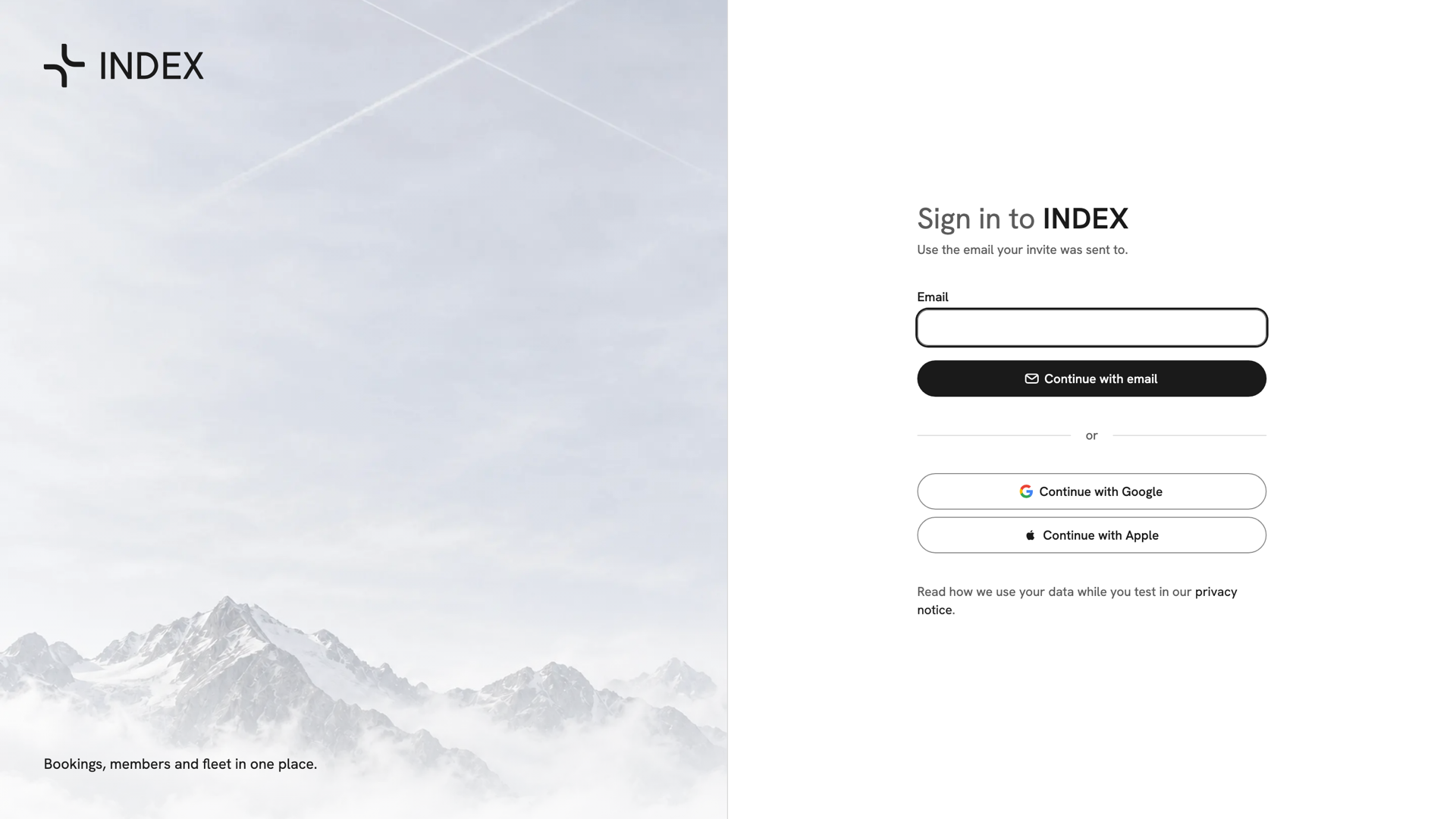
Sign in to INDEX: the Email field, Continue with email, and Continue with Google and Continue with Apple beneath. Open the email
The screen changes to Check your email. An email titled Your INDEX sign-in link arrives with a Sign in to INDEX button and a six-digit code. Press the button on the device with the inbox, or type the code on another device. Both work once, for 10 minutes.
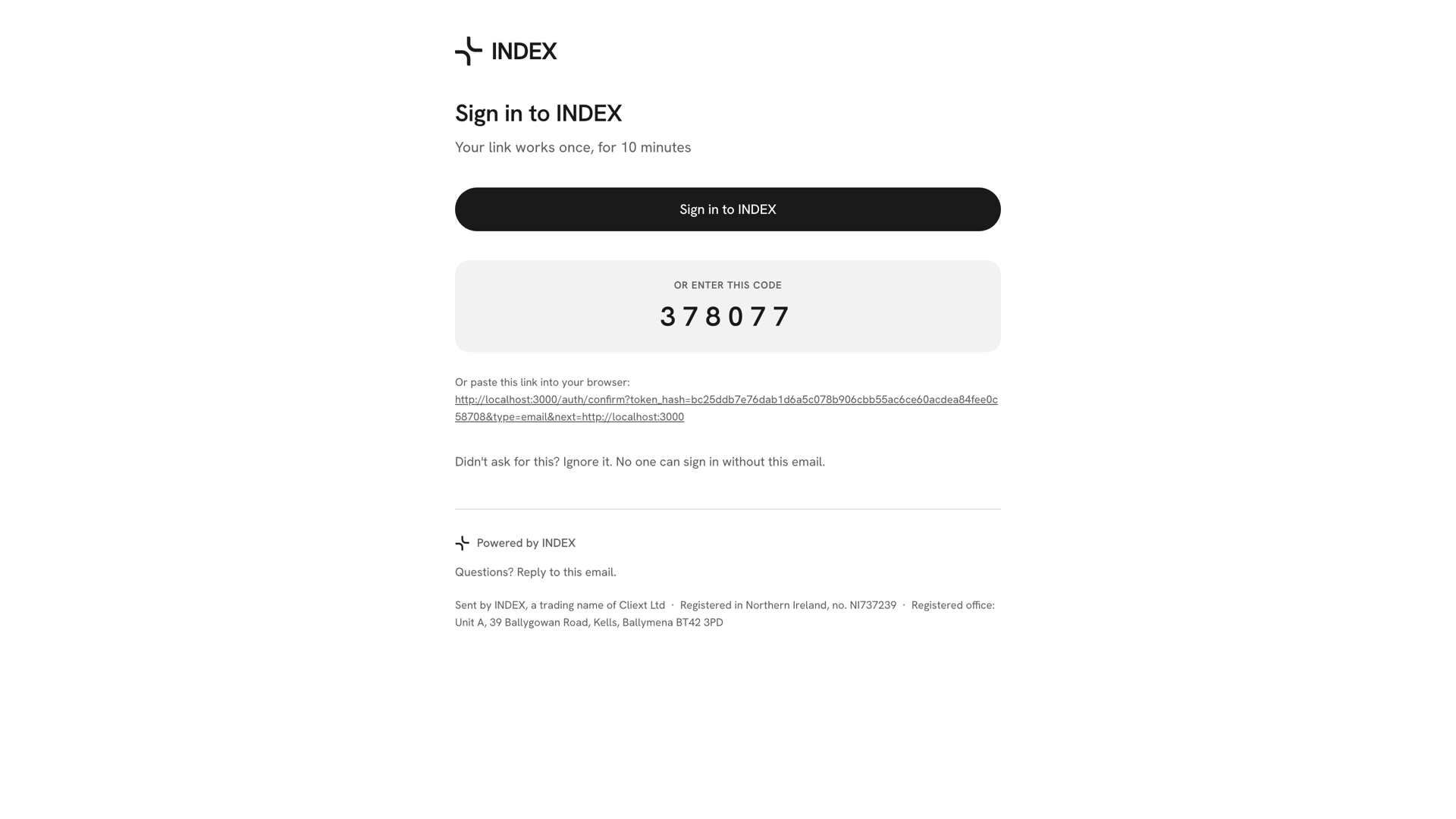
The sign-in email for Edgardo Wunsch: Sign in to INDEX, the button, and the six-digit code under Or enter this code. Enter the code
Type the six digits. The last digit submits them, the screen shows Checking…, and the timetable opens. A wrong code clears the boxes and says That code didn't work. Try again. There is no resend button: press Use a different email and enter the same address to get a new code.

Check your email with Edgardo Wunsch's six digits typed into the boxes and Checking… beneath them. Enter your authenticator code (staff only)
Owners, admins and Instructor & Admins see Two-factor authentication next. Type the six digits from your authenticator app; they are checked as soon as you finish. The first time, INDEX Club walks you through setup instead: Get an authenticator, Scan the QR code, then Enter the code.
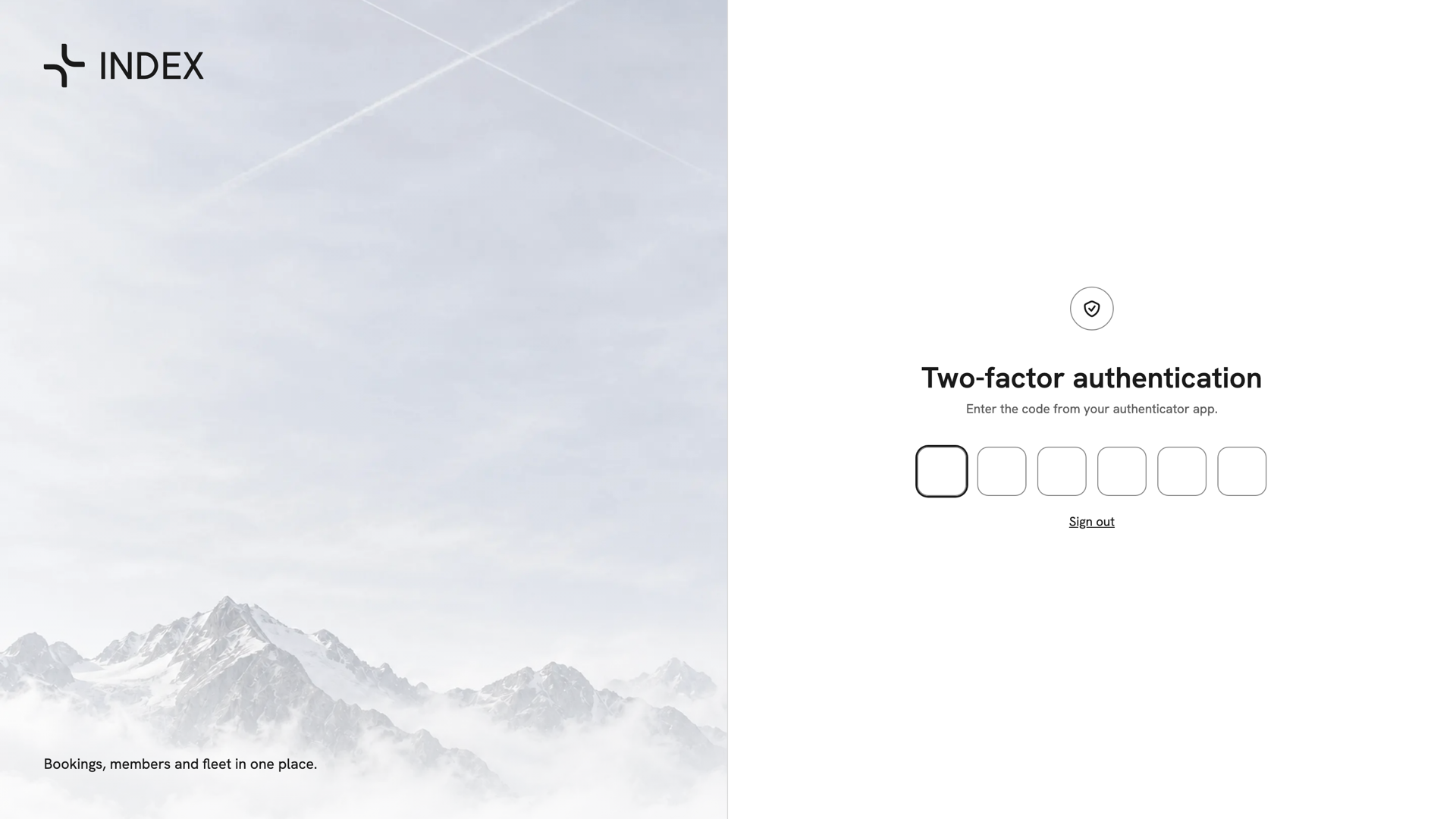
Two-factor authentication for Morton Schultz, an admin: six empty boxes for the authenticator code, with Sign out beneath. Bridie Harvey, an Instructor & Admin, signing in for the first time and setting up an authenticator before the timetable opens.
After you have signed in
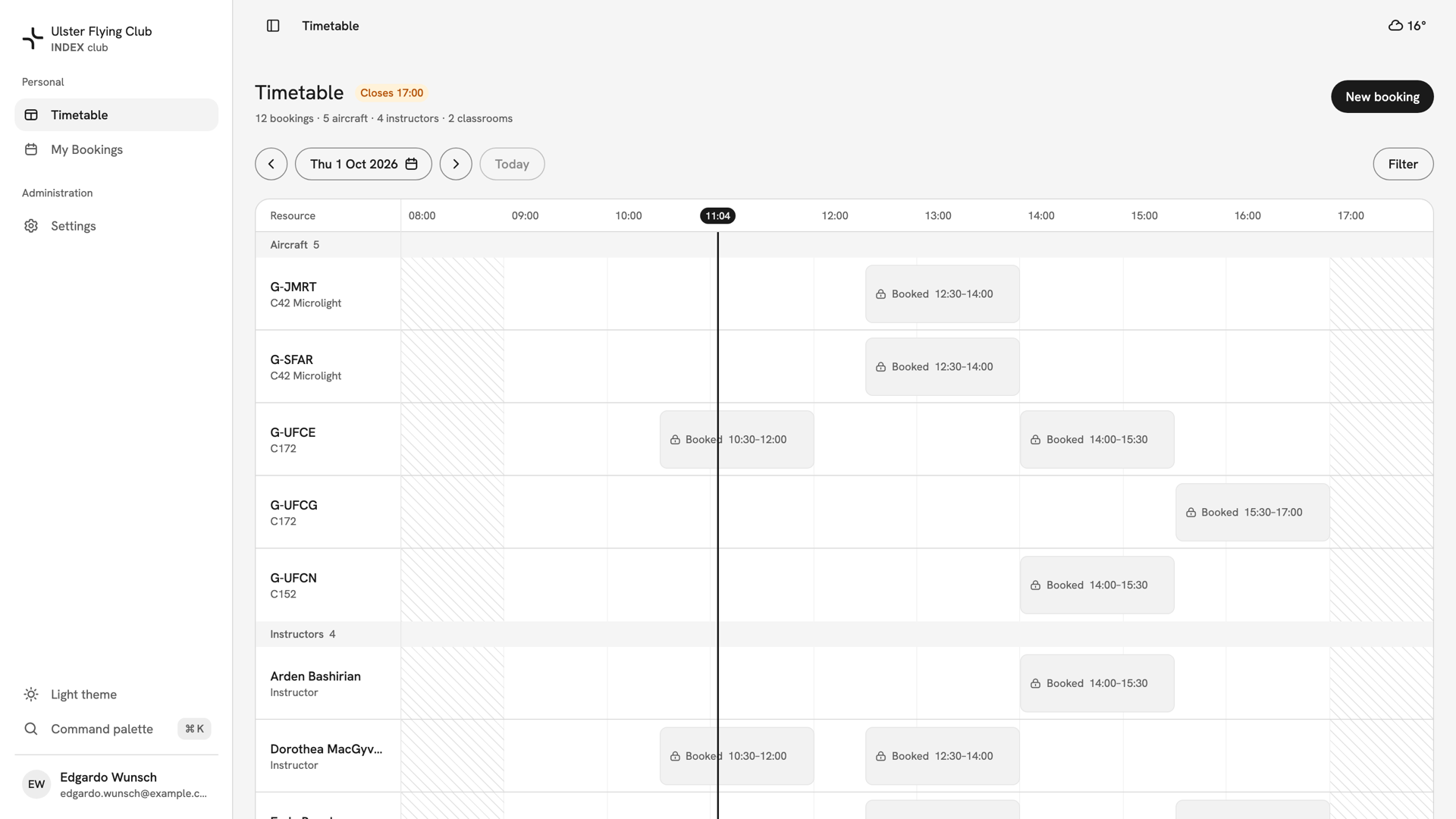
INDEX Club opens on the club's timetable, or on the page you were trying to reach. Finding your way around explains the rest of the screen, and Creating a booking is the usual next thing. To sign out, press your name at the bottom of the sidebar, then Sign out.
If something goes wrong
- "No account for this email. INDEX is invite-only." Nobody has invited that address. Check the spelling, or ask your club to invite you.
- No email arrived. Check your spam folder. Too many sign-in emails just now means you asked too often: wait a minute and try again.
- The code or link does not work. It is over 10 minutes old or already used. Ask for a new one and use the newest email. For authenticator codes, set your phone's clock to automatic.
- "No club yet" or "Account deactivated". Your sign-in worked, but no club gives you access. Ask your club to invite or reactivate the address shown.
Still stuck? Your club's admins can confirm which address they invited, resend the invitation and reactivate your membership.
Last updated 1 October 2026