Deactivating a member
Taking somebody's access away without deleting them, and what happens to the bookings they leave behind.
Deactivating stops a member's access but keeps their history, because members are never deleted. It takes about a minute.
Before you start
- Permission to manage members. Owners, admins and instructor-admins have it. See Roles and what they allow.
- An owner, if they are an owner. Only an owner can deactivate another owner, and a club must always keep one active owner.
Turning access off
Open their page
Go to Users, find the member and press their name. Press ⋯ at the top right, beside Contact and Edit, and choose Deactivate member. The ⋯ on their row in the list offers the same.
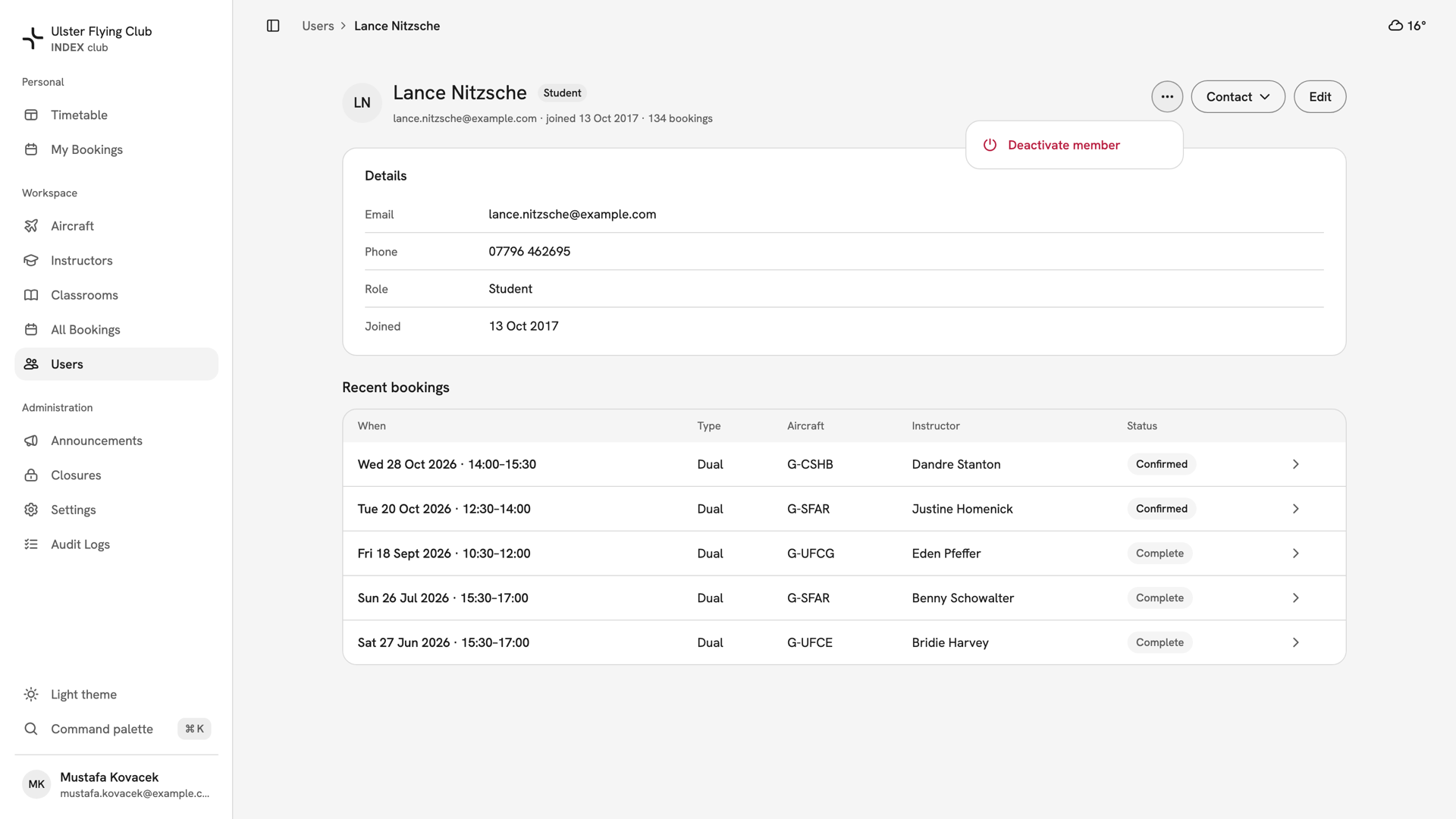
Lance Nitzsche's page with the ⋯ menu open on Deactivate member, beside Contact and Edit. Check what it will cost
The dialog counts their upcoming bookings that will be flagged, such as "15 upcoming bookings will be flagged for reschedule", and lists up to five. If they instruct, a second line counts the lessons they teach, and their instructor record is deactivated too.
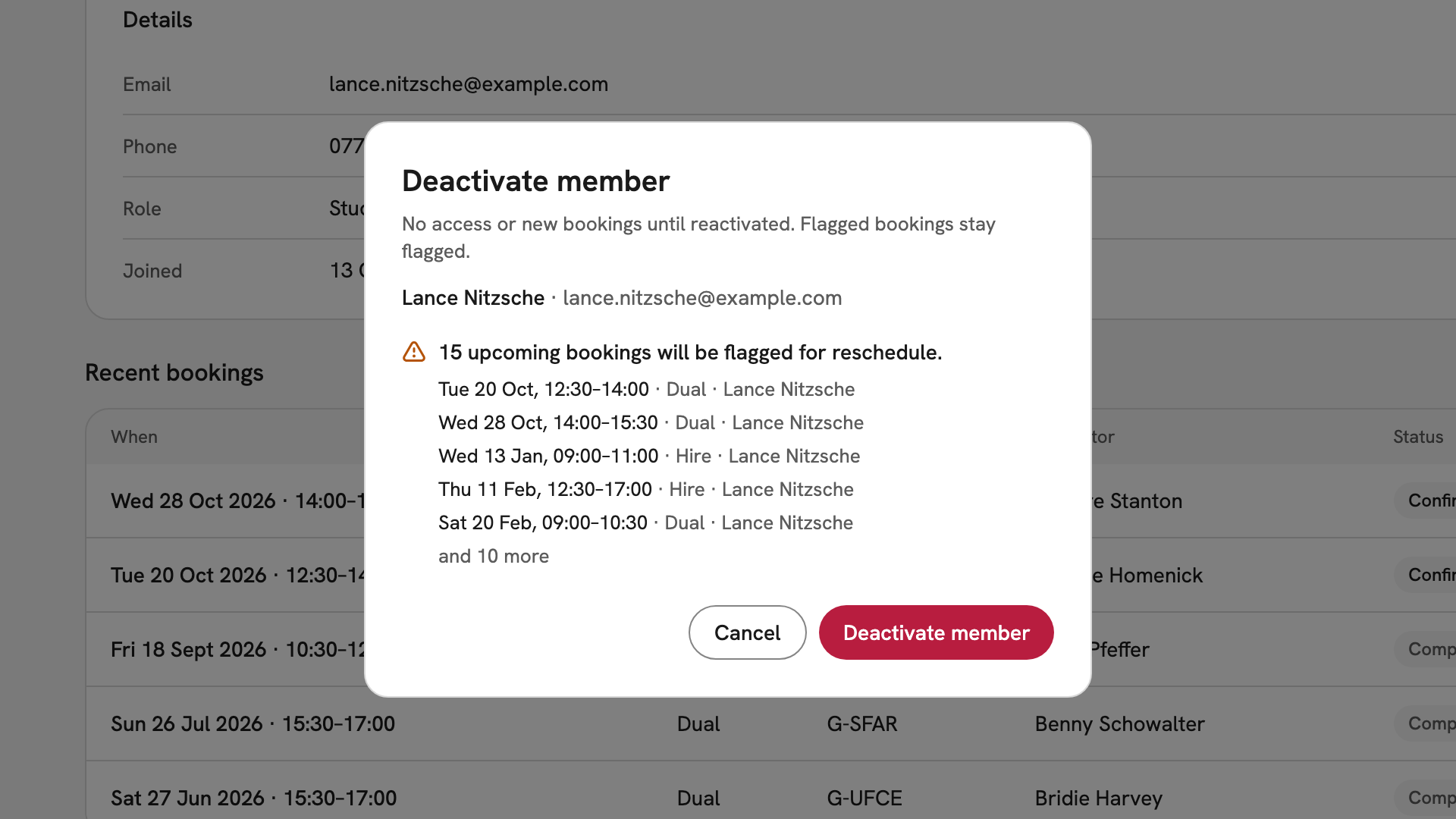
The Deactivate member dialog for Lance Nitzsche, with 15 upcoming bookings to be flagged and the first five listed. Confirm it
Press Deactivate member. The message gives the number of bookings flagged. Their page now shows an Inactive chip beside their role, and the ⋯ menu offers Reactivate member.
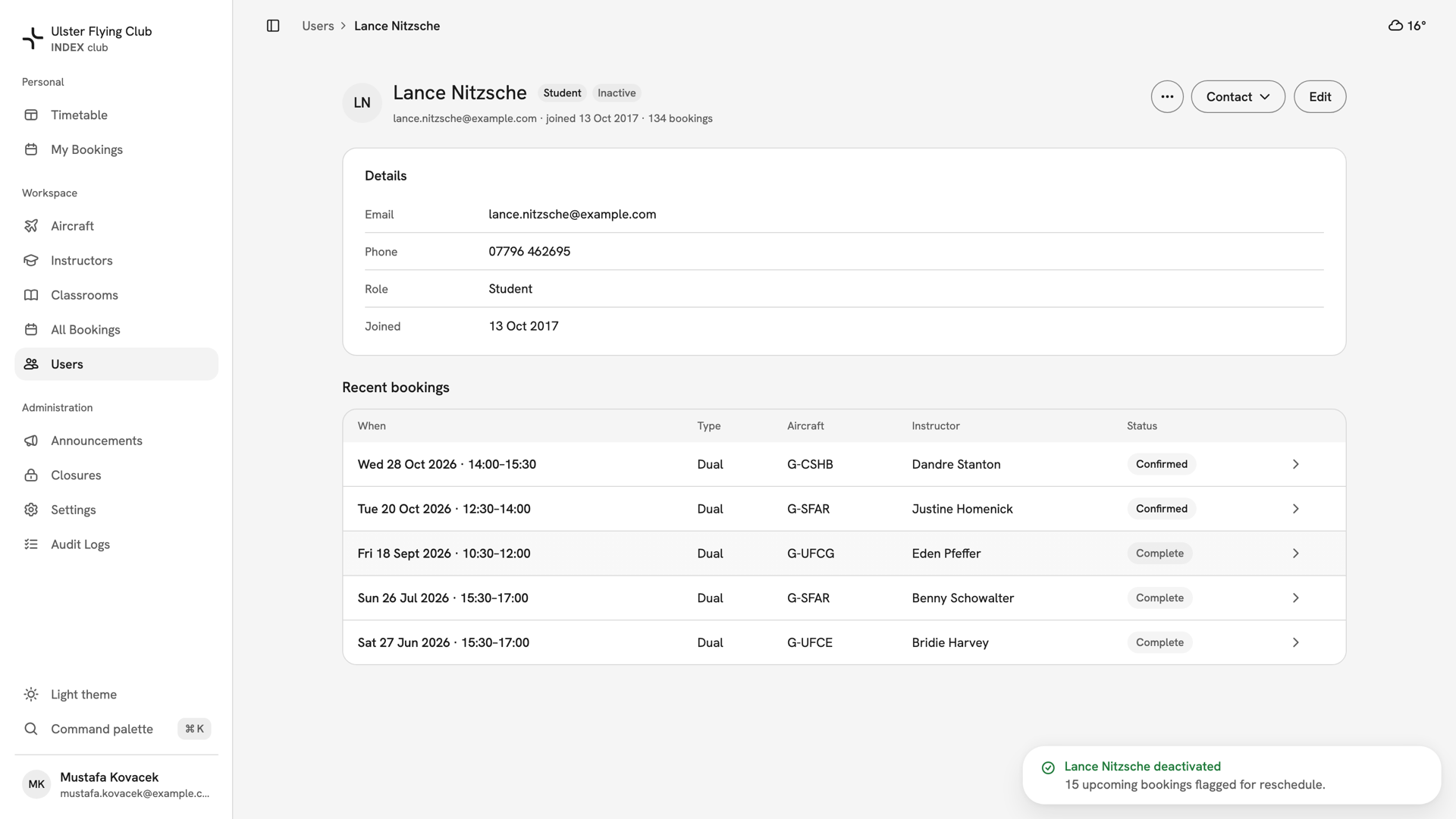
Lance Nitzsche's page after deactivation, with the Inactive chip and 15 upcoming bookings flagged for reschedule.
After you have deactivated them
They can still sign in, but see only Account deactivated with a way to email the club and Sign out. Their history and their row on The member roster stay. Their future bookings are flagged needs reschedule, not cancelled, and the club's staff are told. INDEX Club does not tell the member, so tell them yourself. Reactivate member restores access only.
If something goes wrong
- There is no Deactivate member. Your role cannot manage members, or you are on your own record.
- "Only an owner can change an owner's account." You are an admin deactivating an owner. Ask an owner.
- "The club needs at least one active owner." You are deactivating the last active owner. Make somebody else an owner first.
- A reactivated instructor cannot be booked. Reactivating does not restore their instructor record. Save their role as Student, then as Instructor again, and INDEX Club reactivates it.
Still stuck? Your club's owner can reactivate anybody, and The audit log records who deactivated whom.
Last updated 1 October 2026