Room availability
Setting a room's weekly hours and closing it for a day, through to the bookings a closure flags.
Set when a room can be booked for ground school, and close it for events such as the club AGM. It takes about three minutes.
Before you start
- Owner, admin or instructor-admin role. See Roles and what they allow.
- The layer you want. The standing week is the room's normal hours. An exception changes specific days and always beats the week. It works as in Aircraft availability and maintenance.
Setting when it opens
Open the room's availability
Open Classrooms, press the room's name and choose the Availability tab. Standing week shows the room's normal hours. Next seven days shows each day with exceptions applied, and its bookings. ⌘K reaches Classrooms from anywhere.
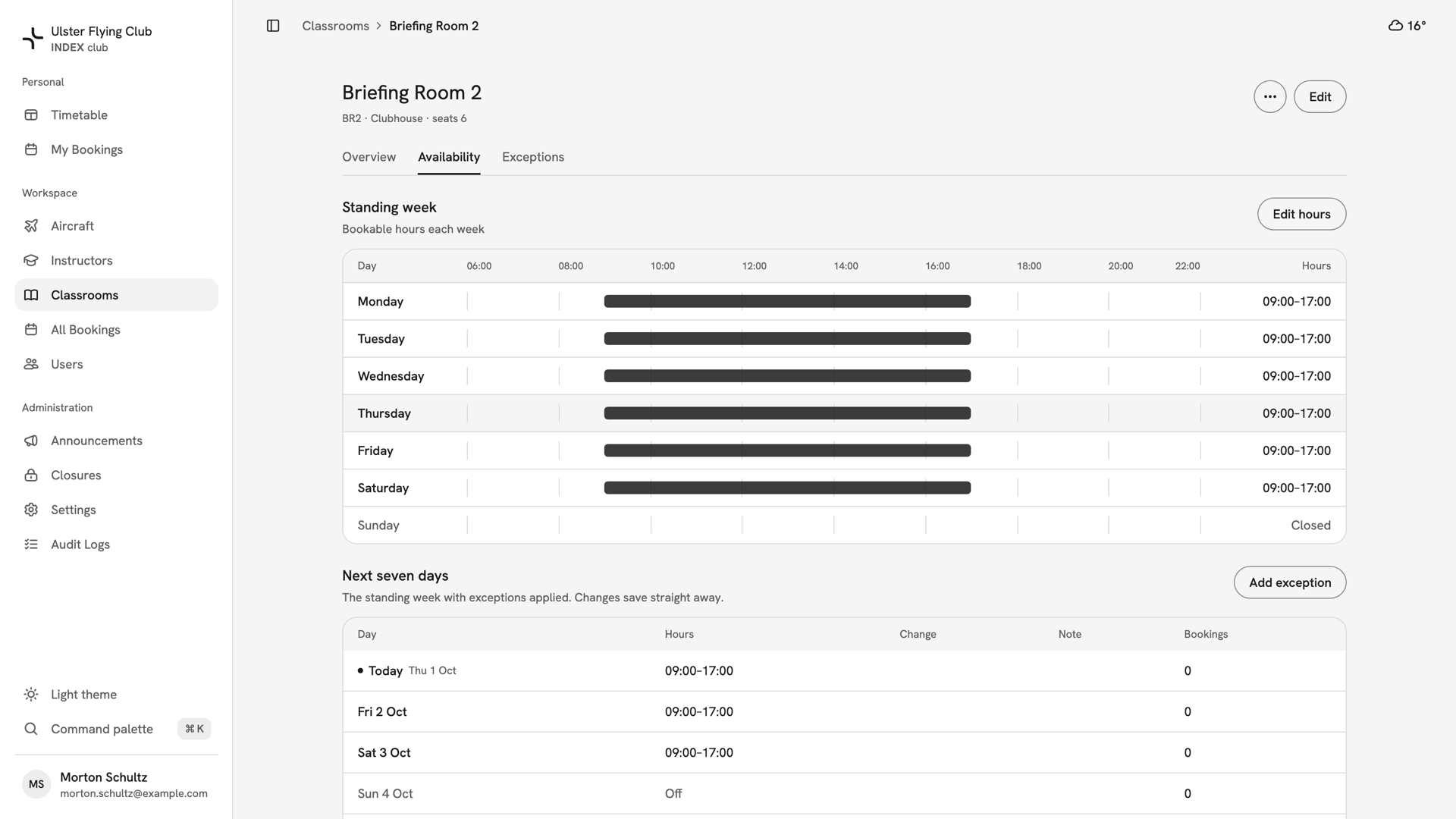
Briefing Room 2's Availability tab: open 09:00–17:00 Monday to Saturday, closed on Sunday, over its next seven days. Set the standing week
Press Edit hours. Switch each day on or off and set its times; a room free in the morning and evening needs a second range from Add range. Copy times to all open days, in a day's ⋯ menu, repeats one day's times. Press Save hours.
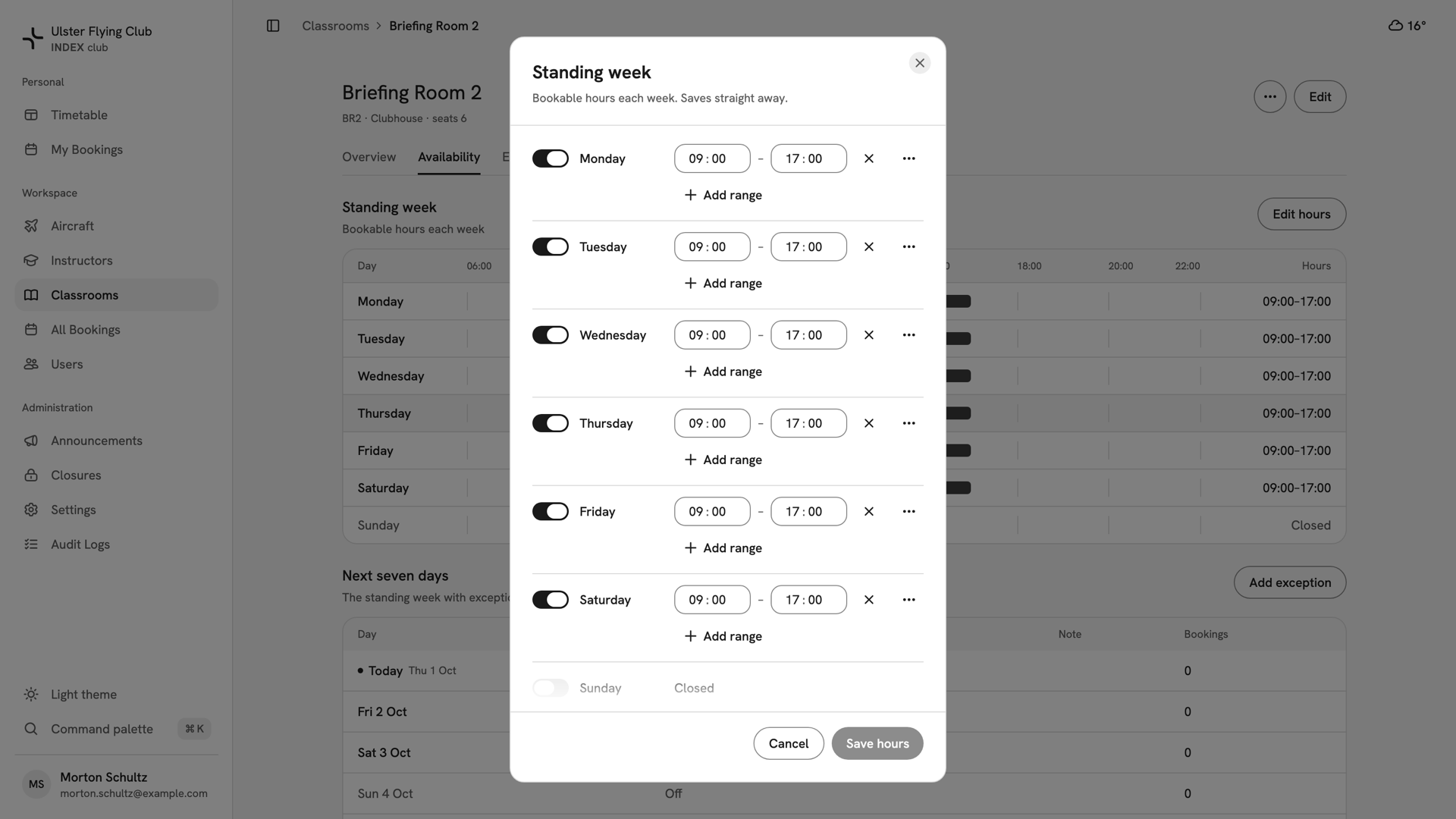
The Standing week dialog for Briefing Room 2, with Monday to Saturday open from 09:00 to 17:00 and Sunday off. Close it for a day
Press Add exception and keep Unavailable. Extra hours opens time instead. Leave Unavailable all day on to close whole days, or switch it off to set times. Press Choose days…, pick the days and give the reason under Note, such as
Club AGM.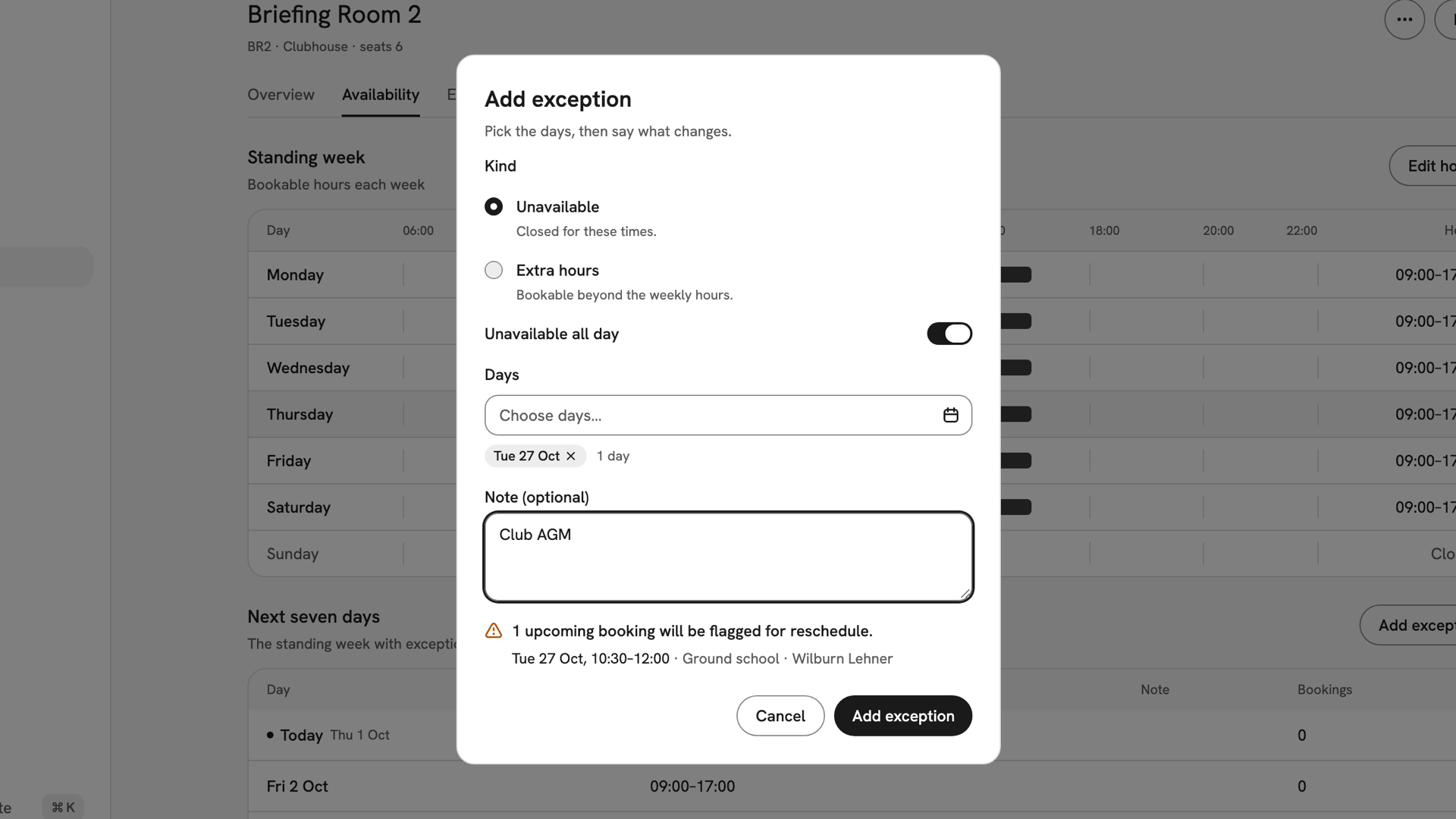
An Unavailable all-day exception on Briefing Room 2 for Tuesday 27 October, noted Club AGM. Check what it flags, then save
The dialog lists the bookings inside the closed hours, such as "1 upcoming booking will be flagged for reschedule", and names up to five. Press Add exception. INDEX Club shows Exception added and how many bookings it flagged.
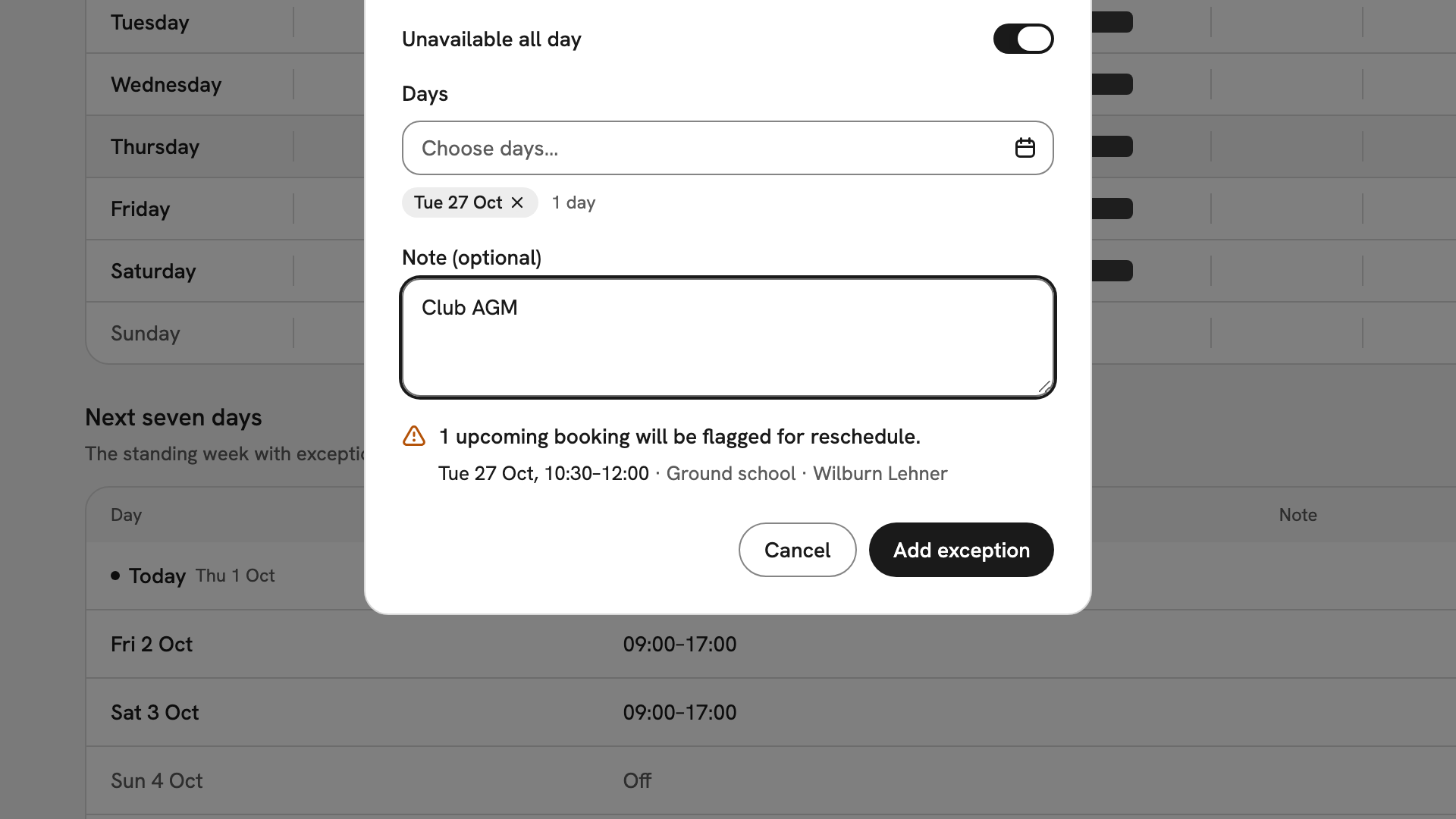
The impact list before saving, naming Wilburn Lehner's ground school in Briefing Room 2 on 27 October, 10:30–12:00.
After you have closed it
Nobody can book the room in those hours. Caught bookings are marked Needs reschedule and still need moving by hand, so tell whoever was teaching. If the room is going for good, choose Deactivate classroom from the ⋯ menu on its record.
If something goes wrong
- There is no Edit hours or Add exception button. Only owners, admins and instructor-admins can change a room's hours.
- "Overlaps an exception". That day already has one in that window. Edit the existing exception on the Exceptions tab instead.
- The exception has no effect. Check its kind. Extra hours opens time; only Unavailable closes it.
- Hours you set do nothing. The room is inactive. Its hours take effect when it is reactivated.
Still stuck? Your club's owner can set any room's hours and see every booking a closure flagged.
Last updated 1 October 2026